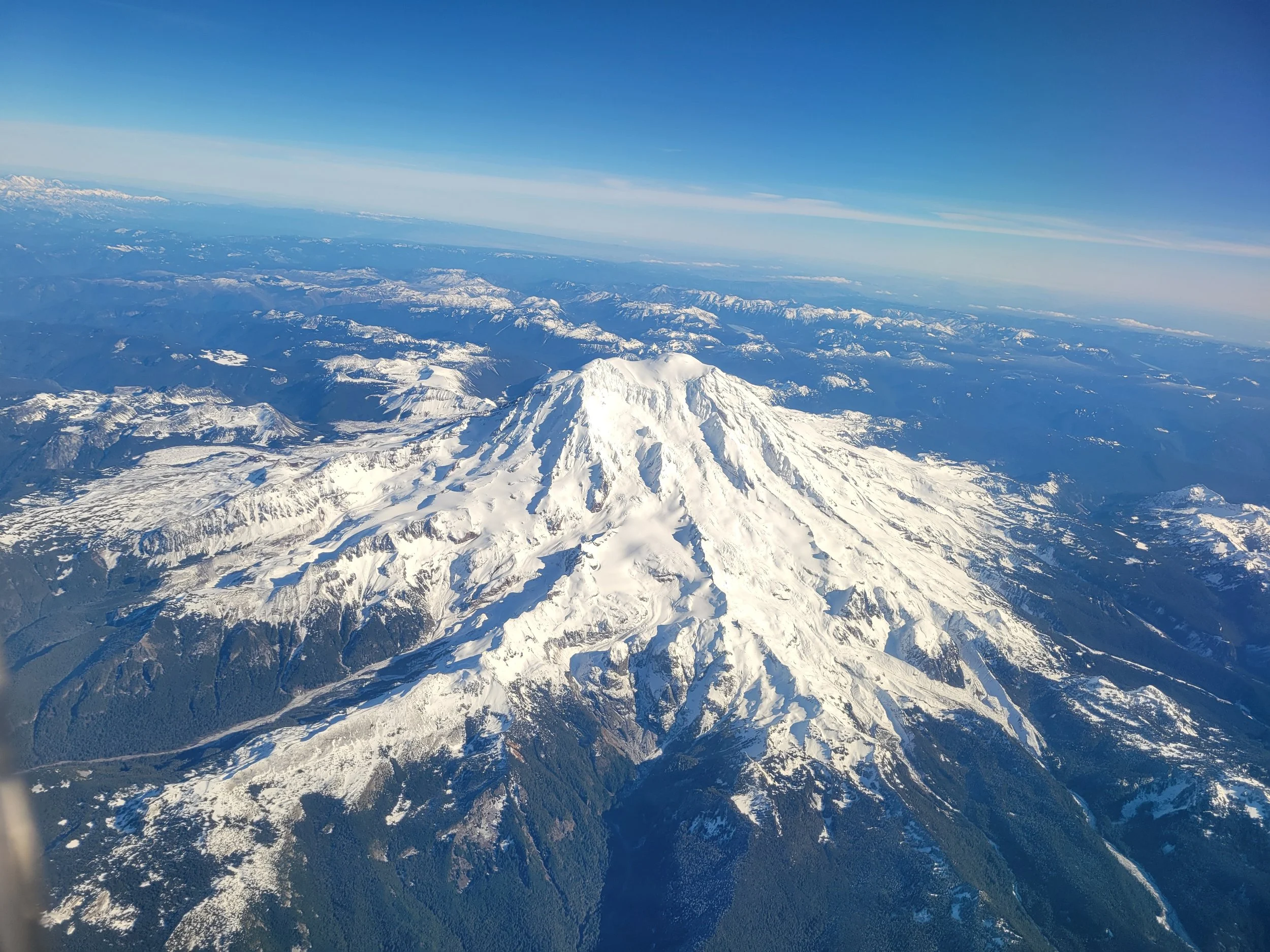
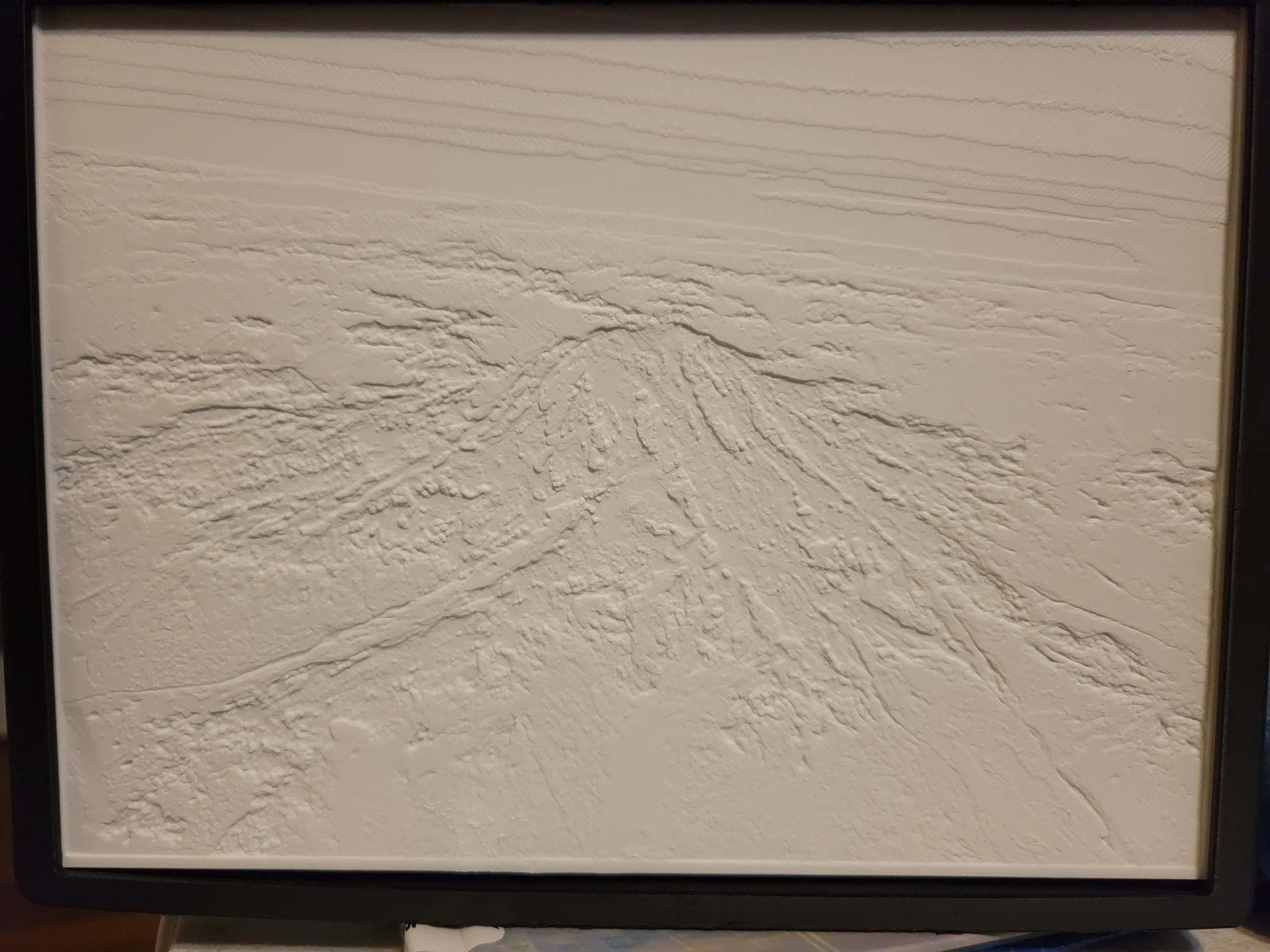
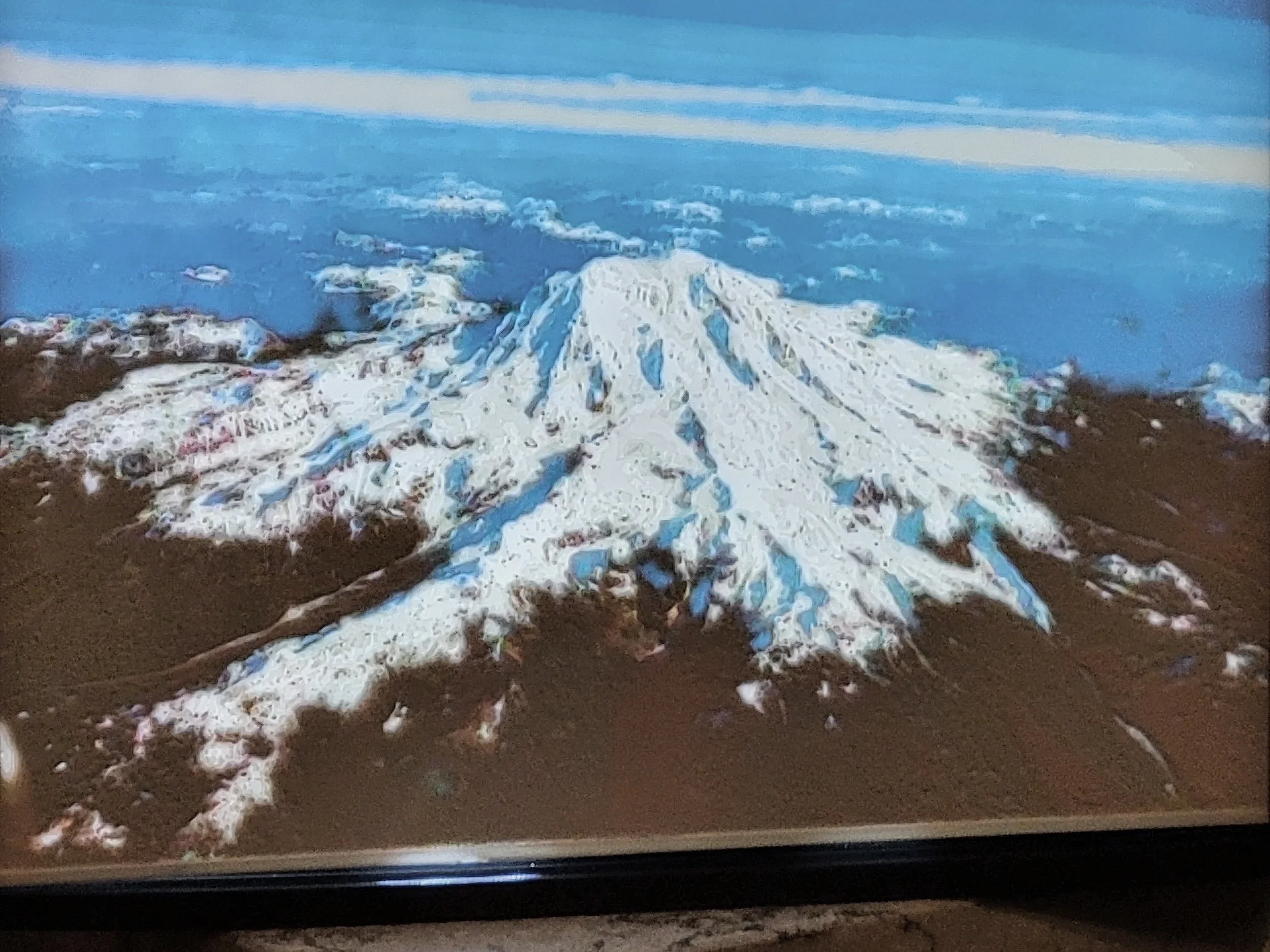
Lithophane Design Request Form:
The “Alien3D” Lithophane Image Warning:
⚠️ IMPORTANT: THE "BLURRY GHOST" FACTOR
3D printing a photo is a precise science of light. We cannot "fix" a photo once it's in the printer. Please avoid the following: Low Light/Grainy Photos: If your photo was taken in a dark room or has a lot of "grain/noise," the printer will interpret that noise as physical bumps, resulting in a distorted, sand-like texture. Extreme Shadows: While contrast is good, if half of a face is in total pitch-black shadow, that area will print as a solid, thick block of plastic that light cannot penetrate. Blurry Subjects: If the original photo is out of focus, the Lithophane will be too. We recommend "Portrait Mode" photos for the sharpest results. Our Policy: If we receive a photo that we know will produce a poor-quality print, we will contact you before printing to request a better file. This may delay your "Launch Date," but we’d rather get it right than send you a "Space Ghost."
The Lithophane Process:
Choose your Size: Pick from our desktop or wall-mounted options.
Upload your Photo: High-contrast photos with clear subjects work best!
We Engineer & Print: We convert your 2D image into a 3D light-map and print it at ultra-high resolution.
Lithophanes are entirely dependent on how light passes through varying thicknesses of plastic, the quality of the uploaded photo is the difference between a blurry smudge and a crisp "sculpted" memory.
Photo Submission Guidelines
To ensure your Lithophane captures every detail, please follow these "Alien-Approved" photo standards:
High Contrast is Key: Lithophanes rely on light and shadow. Photos with strong lighting (bright highlights and deep shadows) produce the most striking 3D depth. Avoid "flat" lighting or very hazy photos.
Resolution Matters: Please upload the original, full-resolution file. Avoid screenshots or photos saved from social media, as they lose the "pixel data" our software needs to calculate thickness.
Subject Clarity: Photos with a clear subject (a single face, a pet, or a bold silhouette) translate better than busy landscapes with tiny details.
Format: We accept .JPG, .JPEG, and .PNG.
The "Crop" Factor: * Standard Lightboxes: 4:3 or 1:1 (Square) works best.
The Litho-Cube: Requires 4 separate images. Try to ensure all four have a similar "vibe" or lighting style for the best finished look.
Alien Pro-Tip: If you aren't sure if your photo will work, look at it in "Grayscale" (Black and White) on your phone. If the subject still stands out clearly from the background, it will make a fantastic Lithophane!